Center the gesture
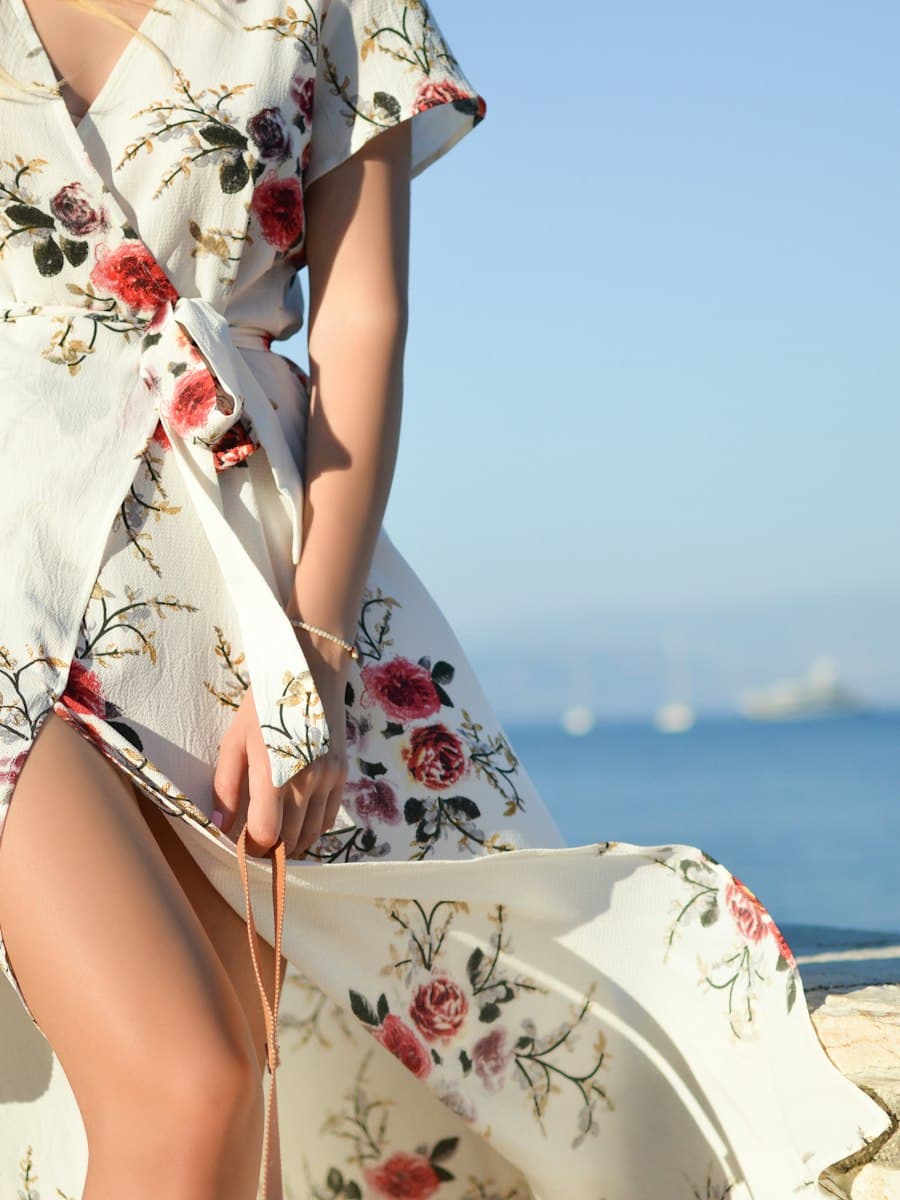
Vertical 9:16. A person in a floral dress stands on a stone ledge above the sea and lets the skirt catch the wind once. Subject centered, late sunlight, no titles, no logos.
Social
An AI video generator for Reels is not a separate kind of model. It is the same text-to-video or image-to-video tool, aimed at a vertical, phone-sized picture. The planning is what makes the clip social.
Vertical 9:16. A person in a floral dress stands on a stone ledge above the sea and lets the skirt catch the wind once. Subject centered, late sunlight, no titles, no logos.
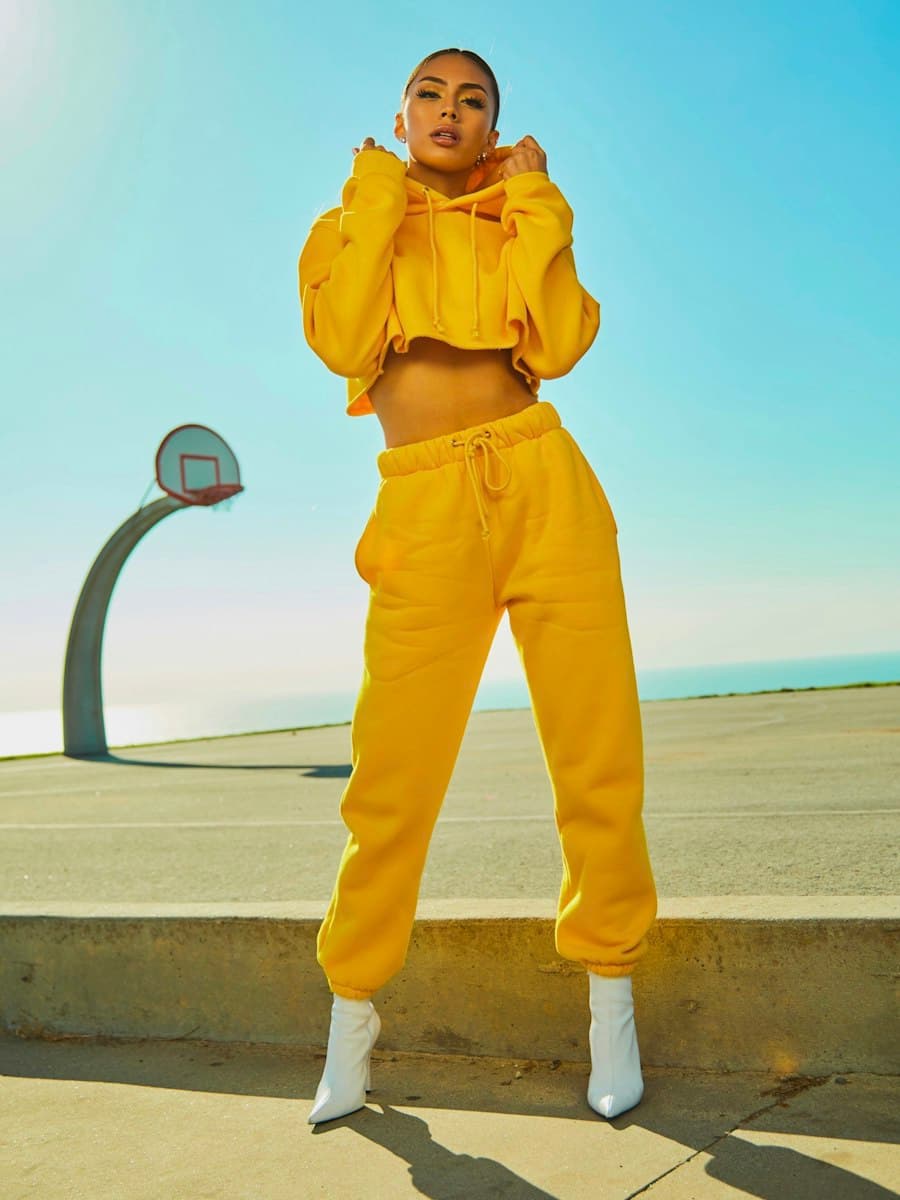
Vertical 9:16. A person in a yellow sweatsuit on a rooftop court lifts the hood and stops. Full figure with space above the head, midday light, no logos.
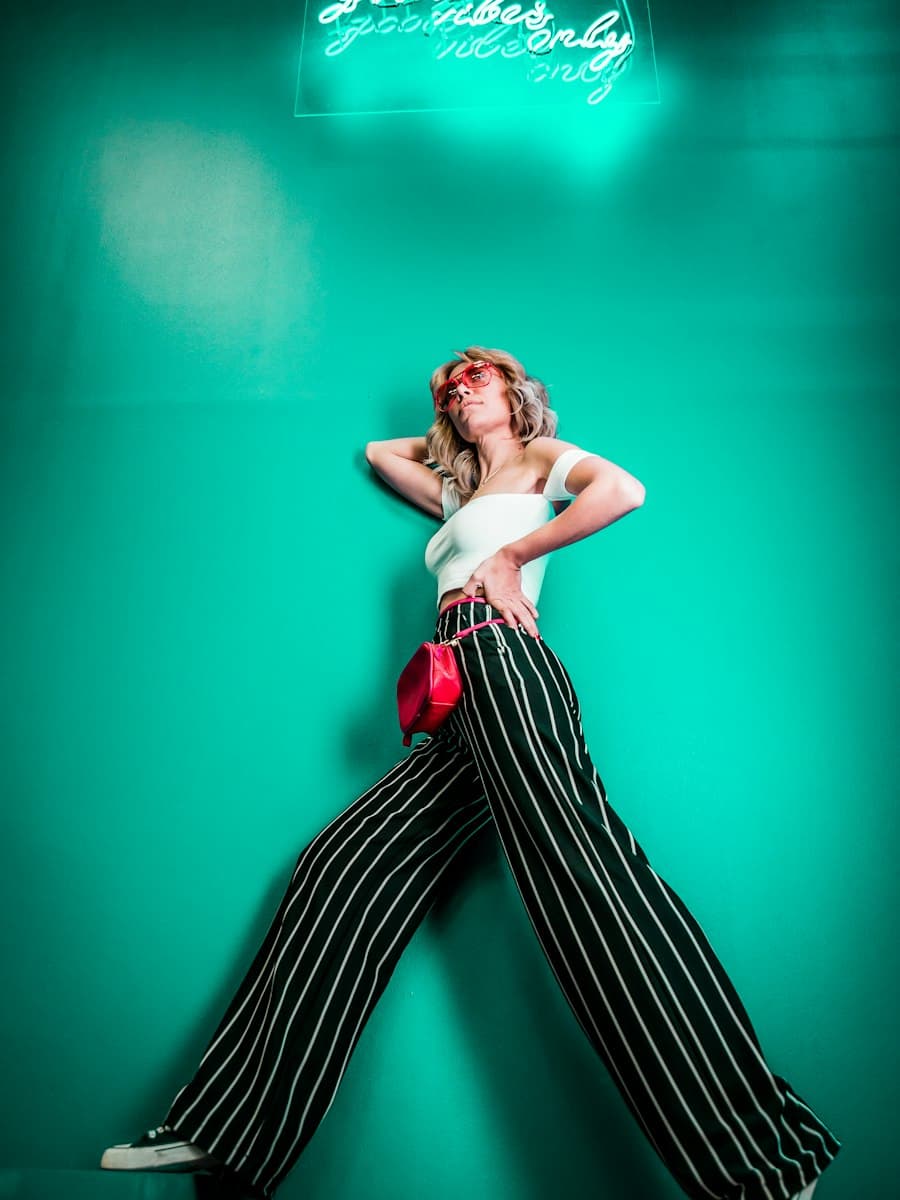
Vertical 9:16. A person in striped trousers shifts weight against a teal wall, then holds. Hard colored light, subject centered, no readable signs.
AI-generated vertical videos fail when they begin as wide landscapes and get cropped. The subject slides to the edge, or the interesting part of the frame is exactly where the caption and the buttons will sit. Keep the action in the middle. If the tool can output 9:16, choose that before you generate.
An AI video maker for social media is most reliable on short beats. Write a hook, a change, a detail, and a held ending as four separate prompts. Cut them in an editor. Asking one generation to tell the whole Reel is how faces drift and stories smear.
Generated audio and a platform’s music library are different licenses. Do not assume either is cleared for a branded post. Prices, results, and “as seen on” lines are your sentences, not the model’s. If a platform asks for a label on realistic AI content, follow its current rule. A guide cannot be that rule.
The longer planning note is how to create AI videos for Instagram Reels. For the still itself, start with image to video. For a scene you do not have yet, start with text to video.
The interface will cover the edges. The prompt should not hide the action there.