Foundations
How AI Video Generation Works
A generated clip is a stack of predicted frames. Here is what you hand the model, why familiar errors show up, and where an edit still matters.
Published by AI Video Generator. . Updated . 3 min read.
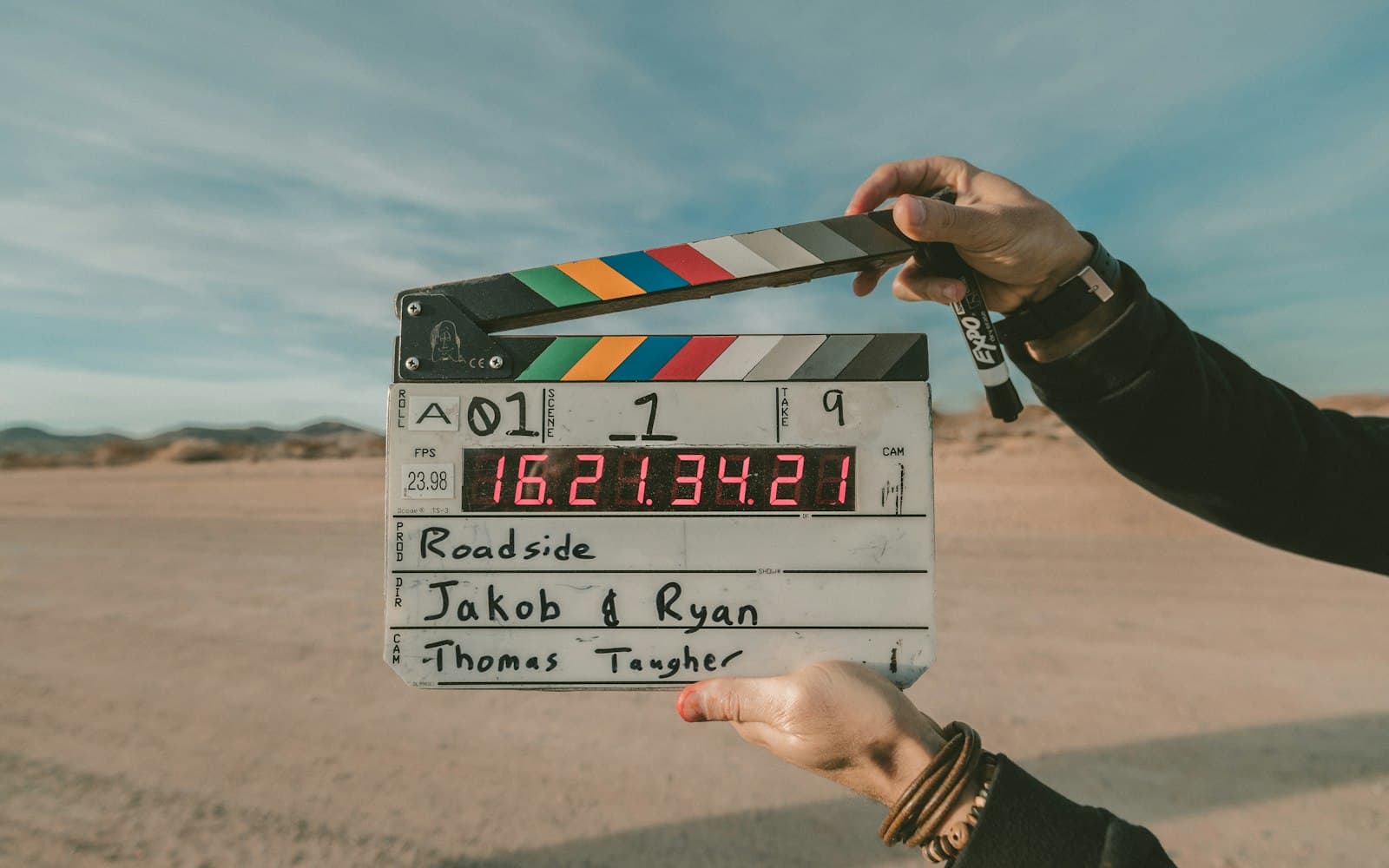
An AI video generator does not retrieve a finished film that matches your sentence. It proposes frames. That distinction is the whole craft: you are directing a guess, then deciding whether the guess is usable.
What a clip actually is
A video is a stack of still frames. When a model “makes a video,” it is filling that stack. Some systems sketch a motion and then render the frames. Others work more directly from the prompt. You do not need the architecture diagram to use one well. You do need to remember that the model is offering a plausible shot, not a recording of an event.
What you can hand the model
Most current tools accept one or more of these:
- A text prompt that describes the shot
- A still image as a first frame or a reference
- Sometimes a short video to extend, restyle, or edit
Sound is separate on some products and generated with the picture on others. If audio matters, check that before you commit to a silent test. The model guide maps how providers describe themselves. It is not a scoreboard.
What “trained on video” means in practice
These models learn patterns from very large collections of moving images, often paired with captions. Vendors differ in how much they publish about that data. A model can imitate a tracking shot because that pattern was common, not because it understands a camera the way a cinematographer does. That is why a prompt can feel precise about light and clumsy about cause and effect.
Where generations usually slip
The failures are consistent enough to plan around:
- Hands and limbs distort when the action is complex
- Writing, logos, and labels come out garbled
- Water, cloth, and collisions can look weightless
- A face can drift across a clip even when you started from a photo
- The model may obey one clause of a long prompt and ignore another
None of these are reasons to abandon the tool. They are reasons to generate a shot, not a whole scene, and to review the file at full size.
Generation is not the edit
Traditional editing arranges footage that already exists. You choose the in-point, the music, and the claim a sequence makes. Generation invents frames that were never shot. A useful workflow treats the generator as a source of shots and the editor as the place where timing and truth are decided. If a clip implies a real event, a real review, or a real product result, a person still has to stand behind that implication.
A simple way to practice
- Write one sentence that contains a subject and a single action.
- Add a camera and a light only after the action is clear. The prompt guide shows an order that keeps this short.
- Generate in the tool you picked, watch the clip twice, and change one variable if it missed.